
APPLICATION BRIEF / 01
Surgical suites
Planning context.
Build the room-by-room electrical scope from the approved room schedule and connected-equipment list.
SCOPE REVIEW
Coordinate the room’s electrical scope.
Review room use, designated circuits, connected loads, alarm locations and service access.
- 01
Confirm the design team’s room classification and design basis for each space.
- 02
Separate designated isolated circuits from loads assigned to other power paths.
- 03
Place local indication and any repeated alarm in locations agreed with the facility team.
- 04
Keep panel labels, branch names and room identifiers consistent across drawings.
PROJECT RECORDS
Carry the decisions into the documents.
Keep room names, panel identifiers and alarm labels consistent through design review, installation and handover.
PRODUCT FAMILIES
Equipment for this application.
The product families below map to the electrical functions associated with this care environment.
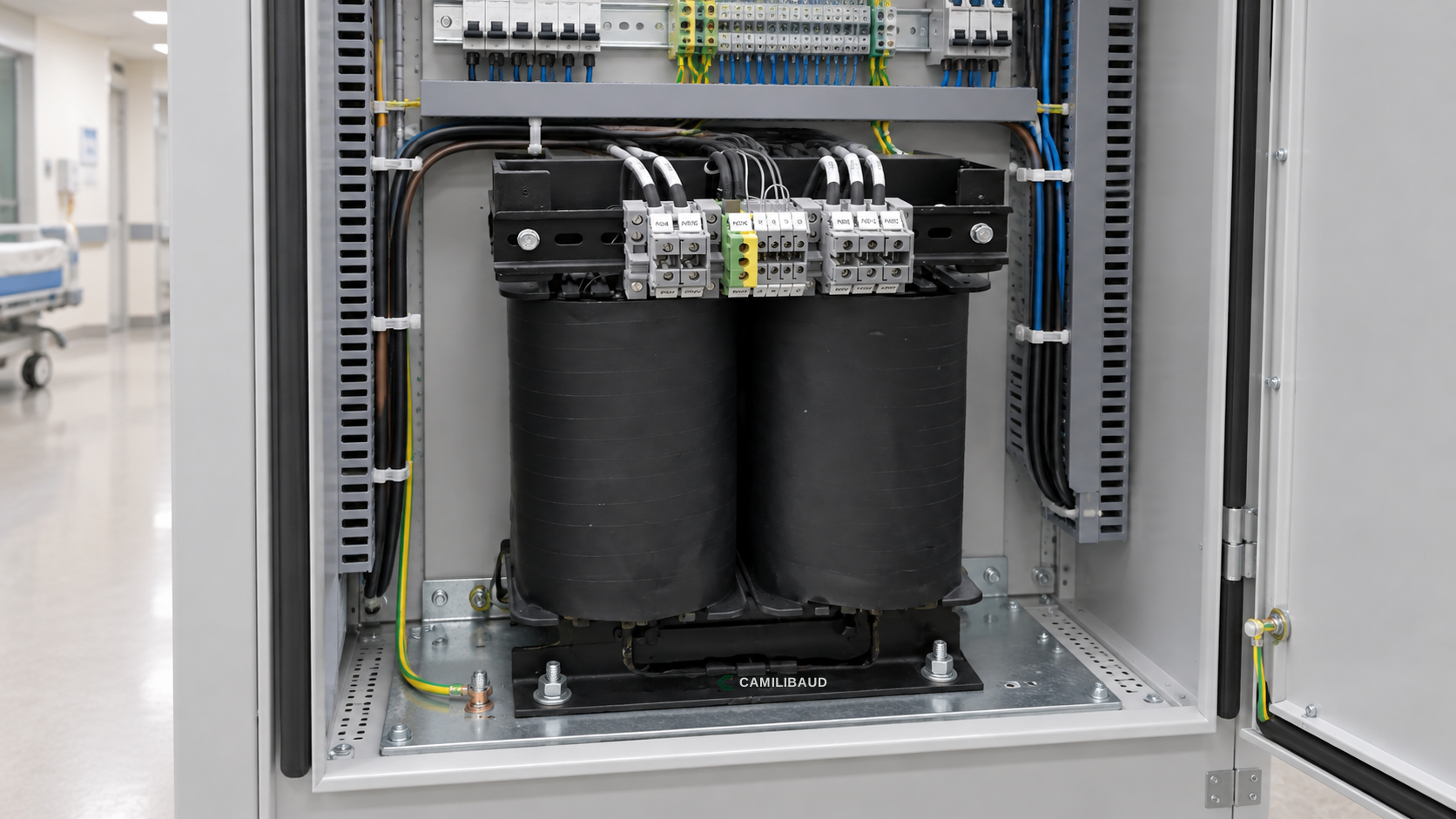 03
03Medical isolation transformer
CareLine IT
CB-IPS-05Isolation transformer options coordinated with the patient-area load and panel design.
Explore product →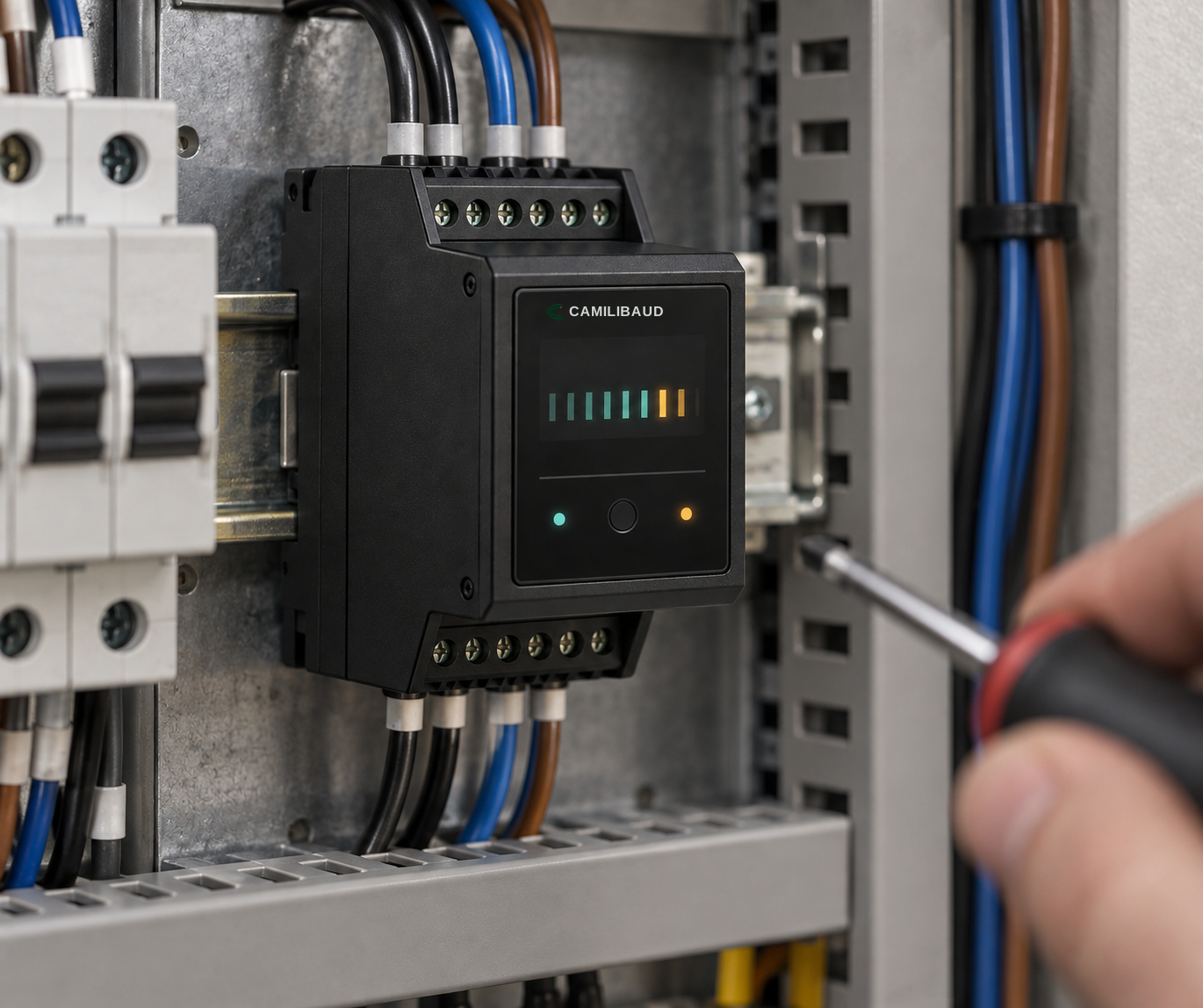 01
01Line isolation monitor
Clarity IM
CB-LIM-01Continuous local visibility for a designated isolated power system.
Explore product →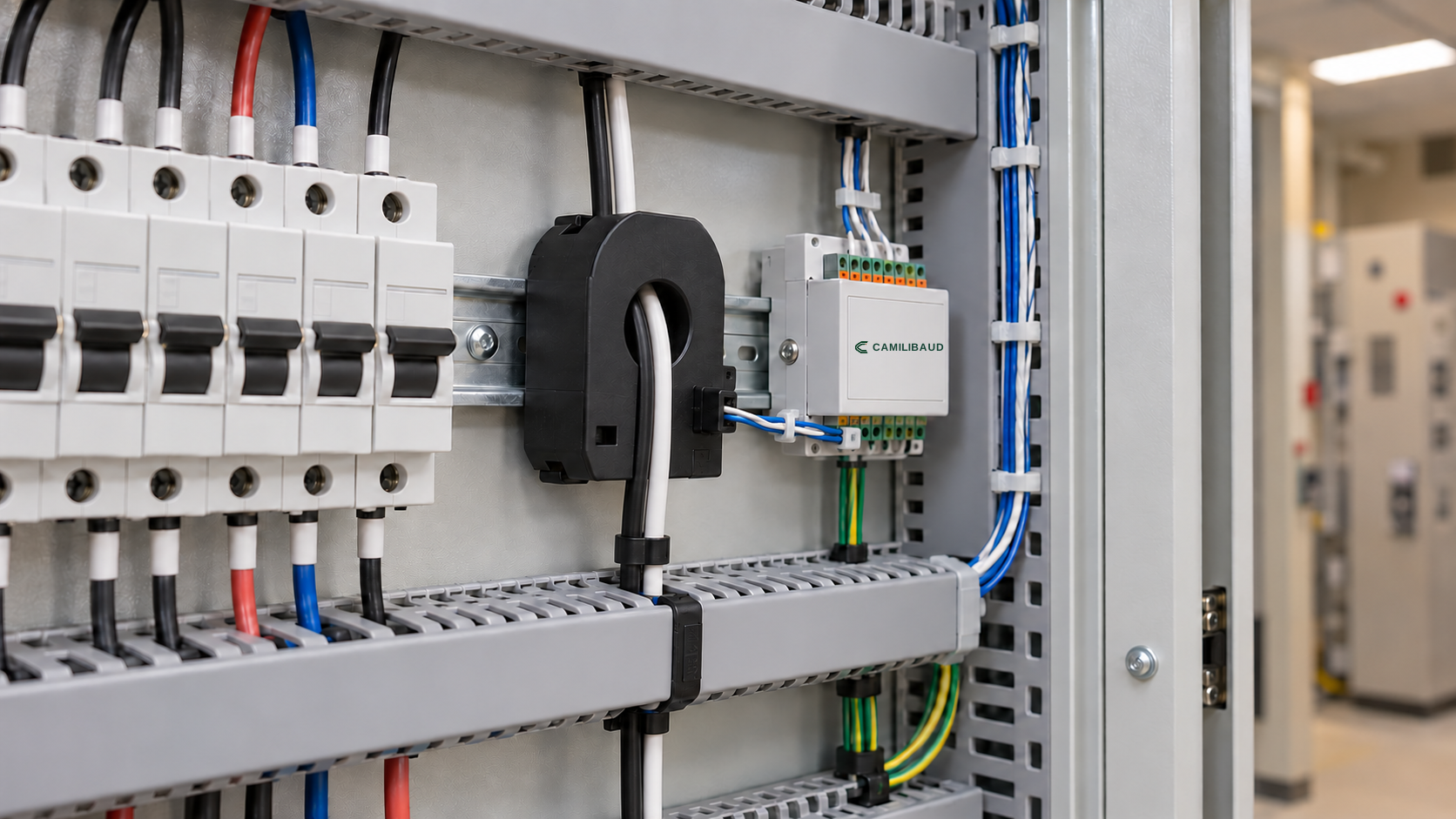 02
02Branch fault location
CircuitTrace
CB-FL-12A defined path from an alarm condition to the branch that needs review.
Explore product →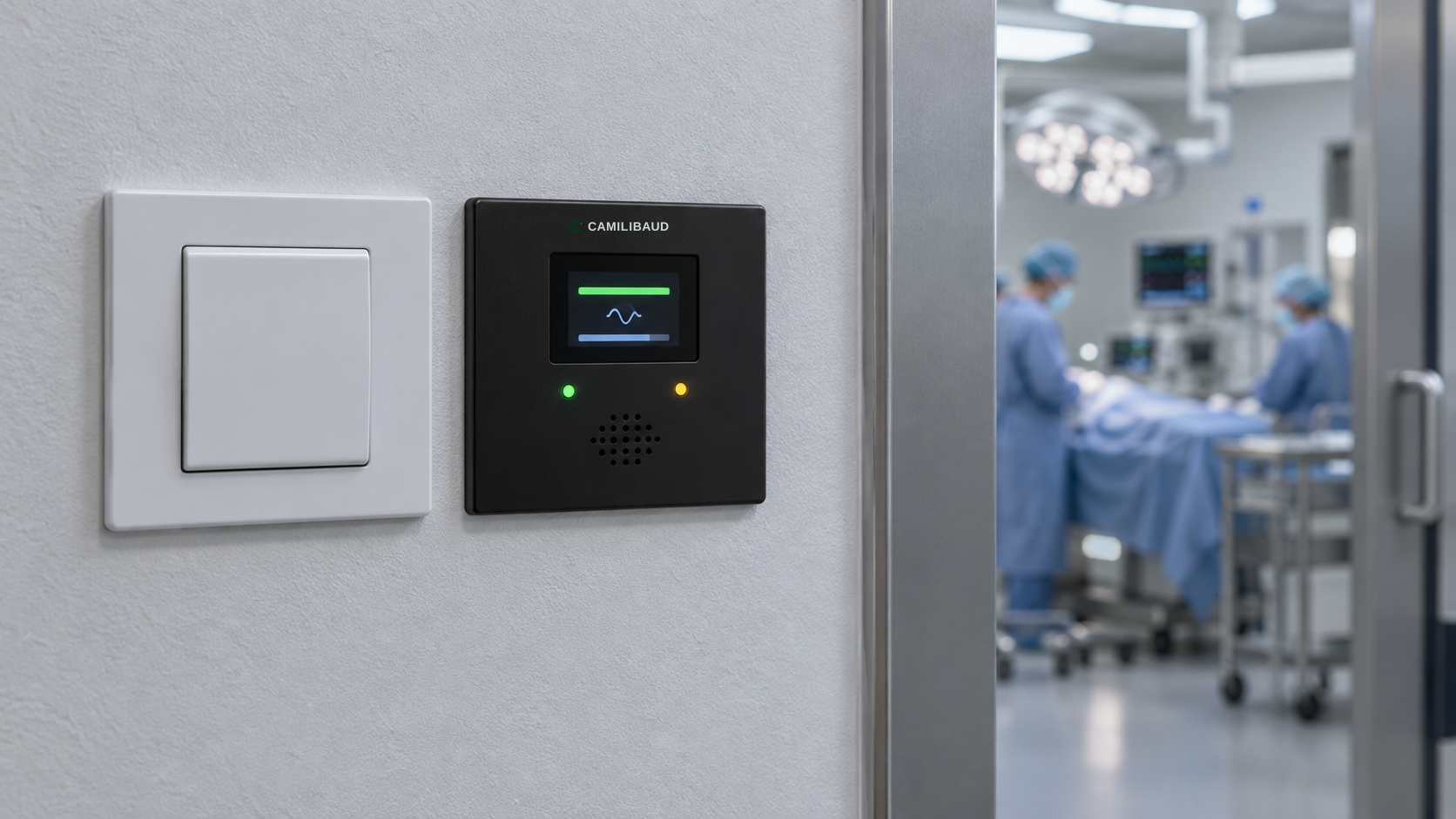 05
05Central alarm panel
AssurePanel
CB-AP-08A clear, agreed destination for selected electrical system indications.
Explore product →NEXT STEP
Bring the room scope into the first review.
Use the project worksheet to capture loads, circuit boundaries, alarm destinations and unresolved decisions.